
Last Updated : September 15, 2026
For business data security: devices and software controls, Business data security works as a system: inventory information, limit access, protect endpoints and removable media, encrypt sensitive files, monitor activity, and test recovery. A single product cannot compensate for unmanaged privileges or missing backups.

Long gone are the days when all you had to worry about were viruses and malware. Today securing endpoint devices and data means you have to deal with new types of issues like unauthorized use of USB drives, outdated patches, hazardous viruses and malware, rootkits, unauthorized and malicious programs and certain other threats related to the security of your sensitive information.
Security threats have greatly increased and so has the numbers of endpoint security applications. It is quite a common practice of many organizations PCs to run separate antivirus, desktop firewall, anti-spyware, and file encryption software. All of these security components are centrally managed by a single purpose console, but multi-agent approach makes it costly as well as difficult to maintain. This emphasizes the need of the kind of technology that takes a centralized, unified approach to provide complete endpoint security so that you can secure your business data once and for all.
Data Leak Prevention Software:
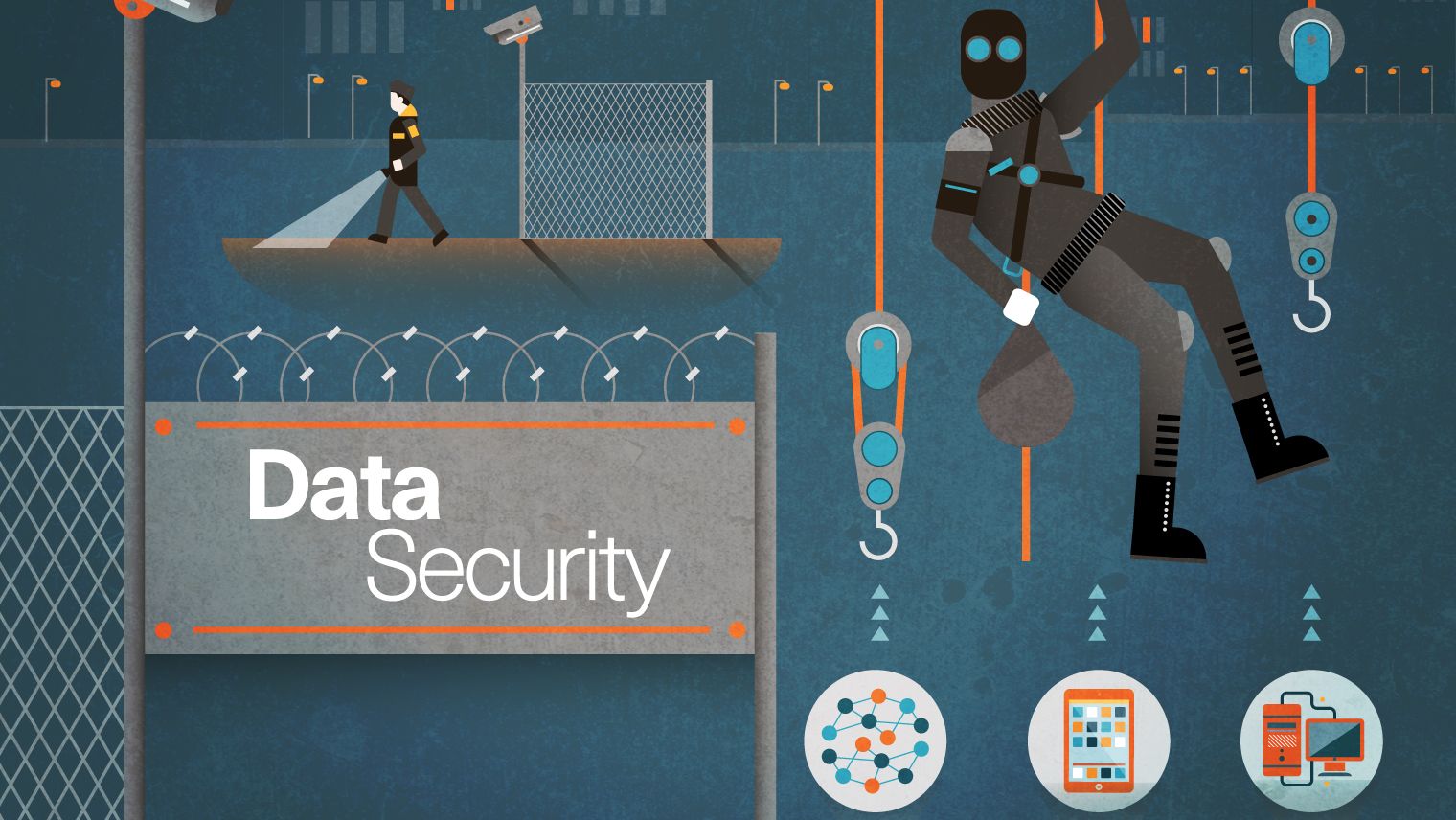
The most reliable and useful way to prevent data leak is the use of data leak prevention software such as USB Block which can fend off the chances of your privacy breach by blocking unauthorized access of removable storage devices which do not belong to you and can be used to copy and leak out your sensitive data.
USB Block is an application that ensures that no one but only authorized individuals can have an access into your system. It lets you use your own removable devices like USB drives, CDs and DVDs to copy and transfer your data while keeping all other devices blocked from accessing your important and sensitive information.
It comes into use if you have many computers and are afraid that someone might pop his USB drive into your system and start copying your data or upload a malicious code or virus to your operating system or the network. It asks for the password whenever any storage device tries to access your data; if correct password is entered, access will be granted to that device and you can copy your data to it. This way, you can prevent illegal copy, duplication or stealing of your data.
You can simply install USB Block on all the computers you want, sit back and relax!
Your data is protected from data theft and data leaked.
You might be interested in “USB Stick containing Police sensitive information stolen”
Current decision guide for Business Data Security: Devices and Software Controls
| Reader intent | Business Data Security: Devices and Software Controls |
|---|---|
| Selection criterion | Map the information, users, devices, transfer paths, and recovery dependencies before selecting controls. |
| Limitation | Controls that are not owned, monitored, and periodically tested can fail without being noticed. |
| Verification | Repeat the protected or recovery workflow with a non-critical sample. |
What changed in this Business Data Security: Devices and Software Controls update
This refresh turns the legacy business data security: devices and software controls discussion into a current decision resource. It adds the missing intent definition, selection criteria, realistic limitation, security risk, semantic entities, and a repeatable verification path.
Related guidance: Business Data Security: Devices and Software Controls security context.
Business Data Security: Devices and Software Controls verification checklist
- Define the goal and authorized scope for Business Data Security: Devices and Software Controls
- Map the information, users, devices, transfer paths, and recovery dependencies before selecting controls.
- Apply the narrowest suitable control and preserve recovery data
- Verify the outcome with non-critical data and document rollback
Questions readers ask about Business Data Security: Devices and Software Controls
What is the first decision for Business Data Security: Devices and Software Controls?
Map the information, users, devices, transfer paths, and recovery dependencies before selecting controls. Preserve important data and confirm authority before changing a security control.
What limitation matters most when handling Business Data Security: Devices and Software Controls?
Controls that are not owned, monitored, and periodically tested can fail without being noticed. Test the result after restart, reconnection, or restoration.
Last reviewed: September 15, 2026.
Ready to secure your files?
Join millions of users who trust Folder Lock to password protect their most sensitive photos, videos, and documents.